
Base, your choice
QR menu
Your menu, in every guest’s language.
- 10 languages, Thai and Chinese included
- Photos, allergens, spicy and vegetarian labels
- Sold-out dishes disappear on their own
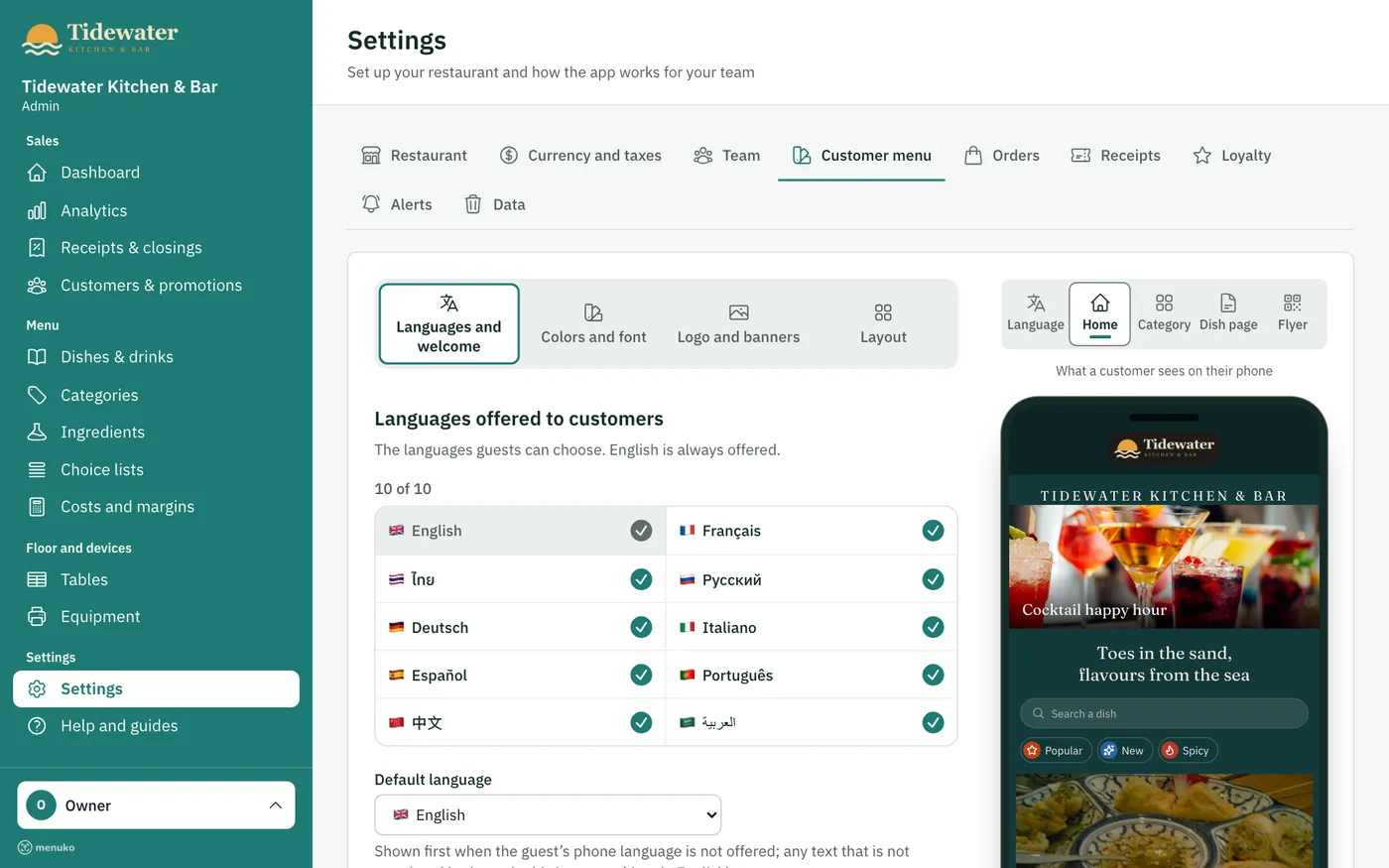
QR menu, till and kitchen, in 10 languages, on the phones and tablets you already own.Menuko runs your restaurant from the QR menu to the PromptPay payment, in 10 languages, on the phones and tablets you already own.
Free trial. No card, no hardware to buy.
Baan Sabai
ไทยเมนูยอดนิยม
Follow one order, from the table QR code to the payment. Two bases, the QR menu or the cash register; order taking, kitchen tickets and payment come with their modules, and what is entered once follows all the way.
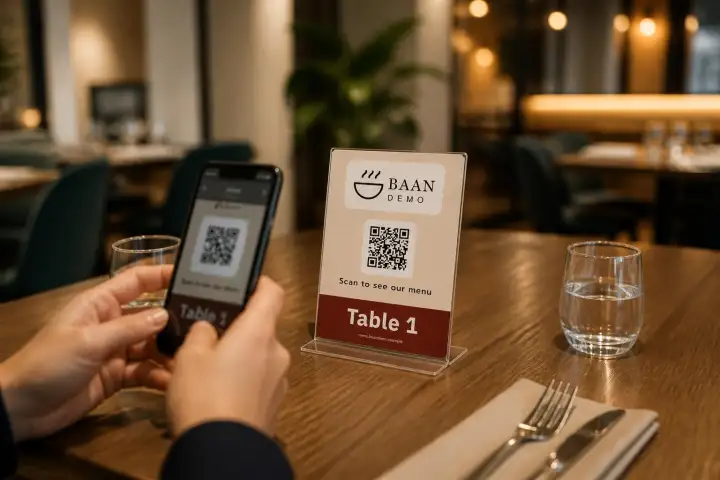
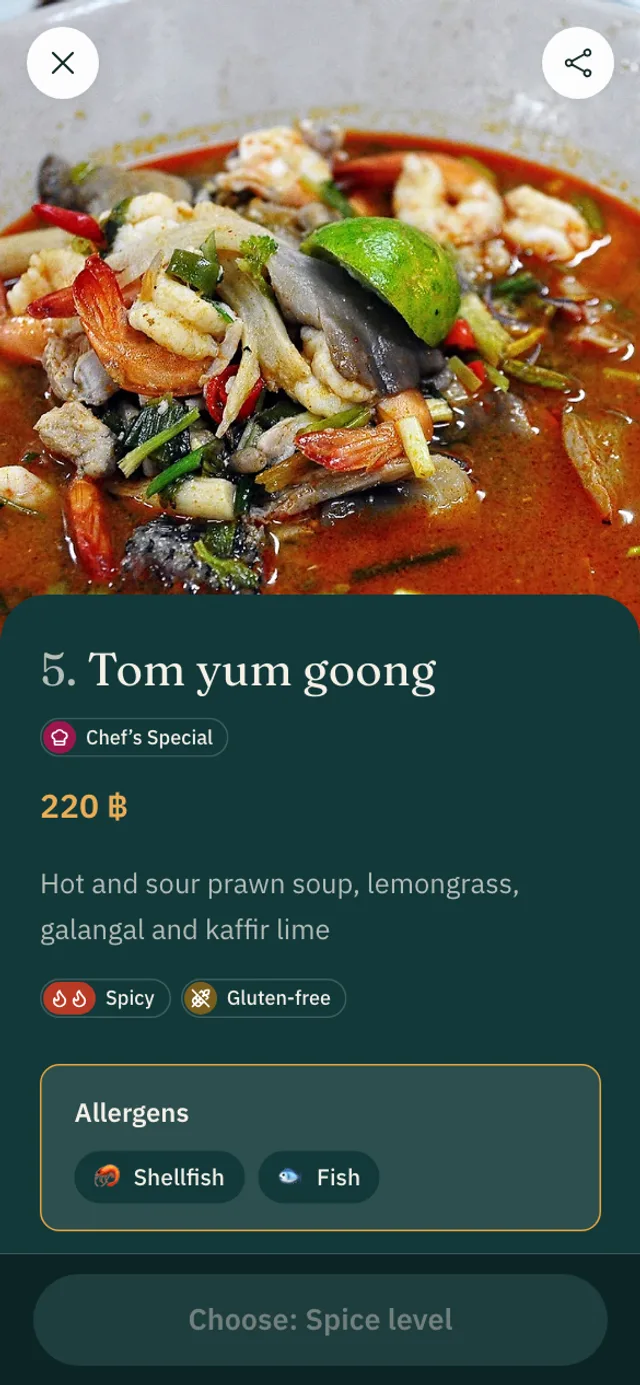
Guests scan the QR code on their table. The menu opens in their language, out of 10, with photos, allergens and spicy or vegetarian icons. Sold-out dishes disappear on their own.
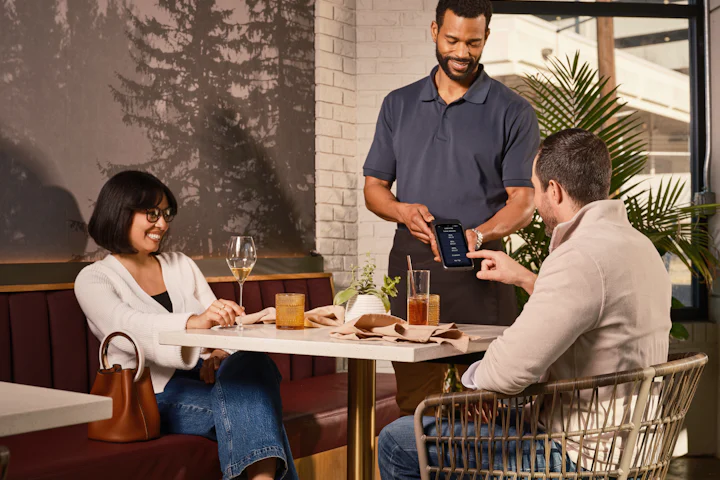
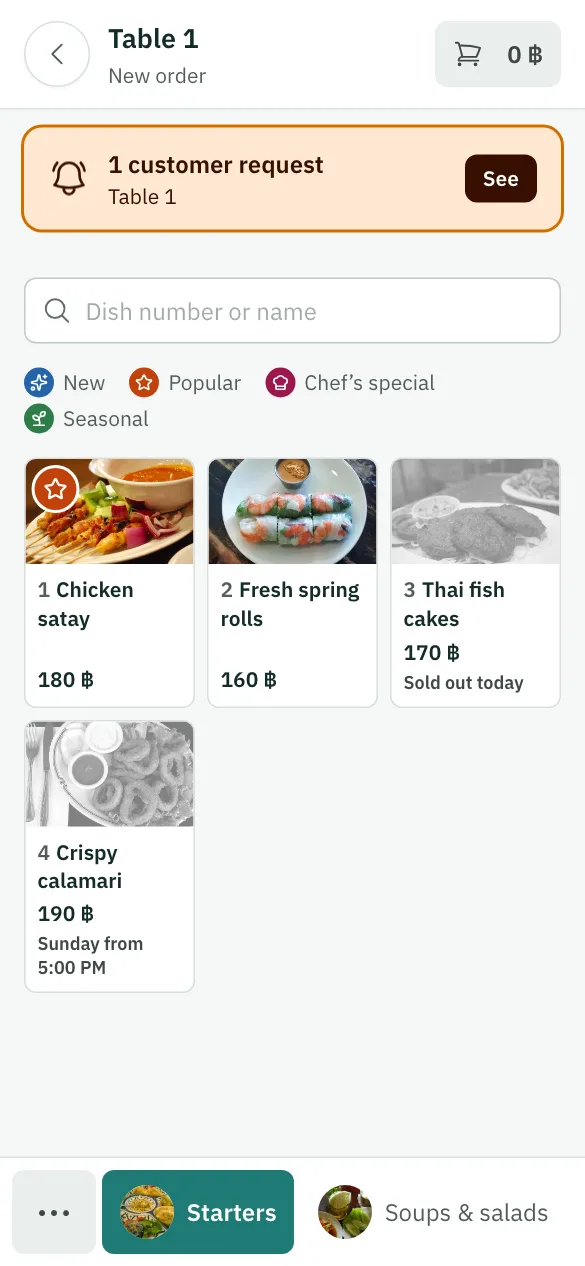
Two ways to do it, depending on your module.
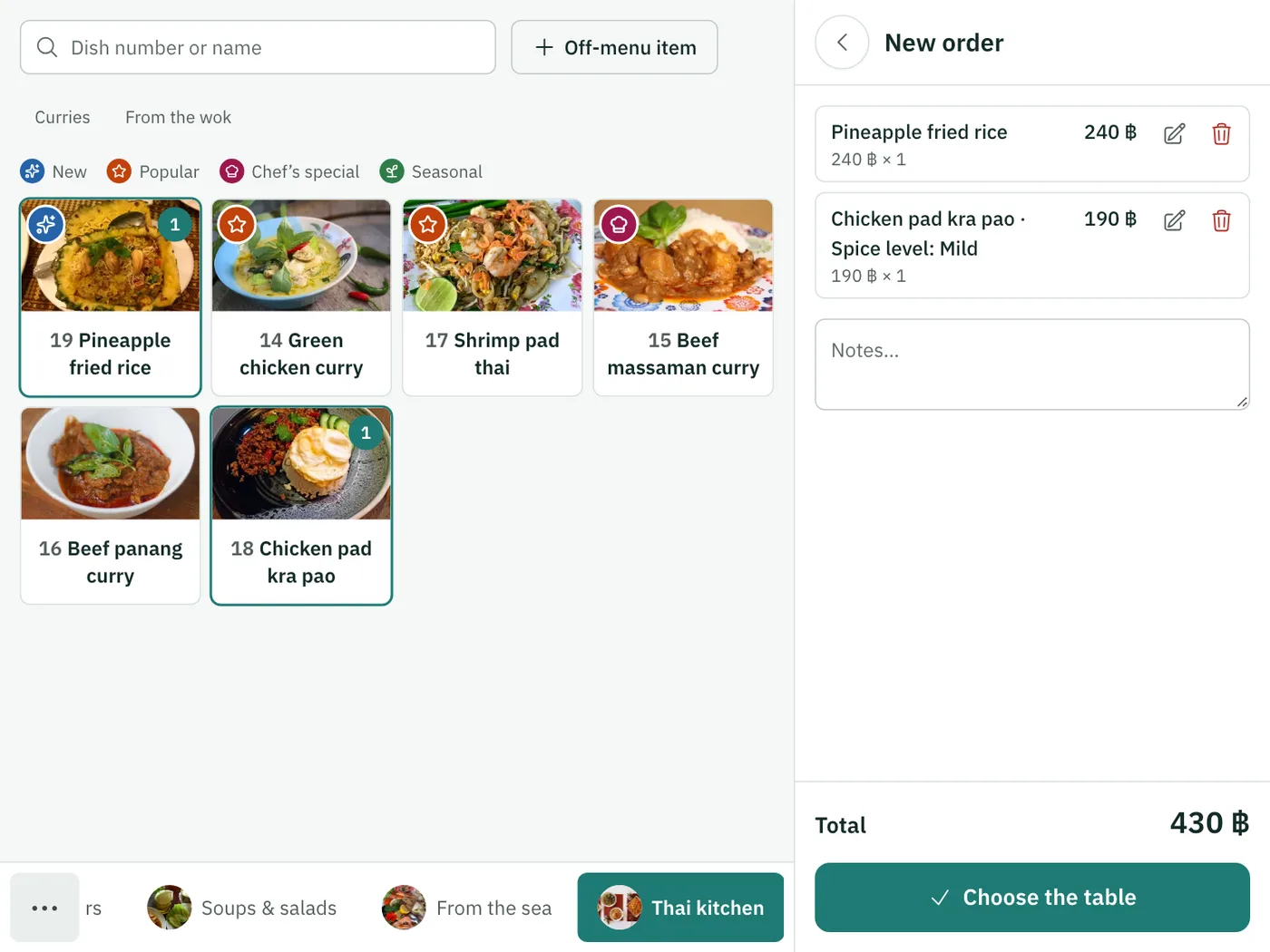
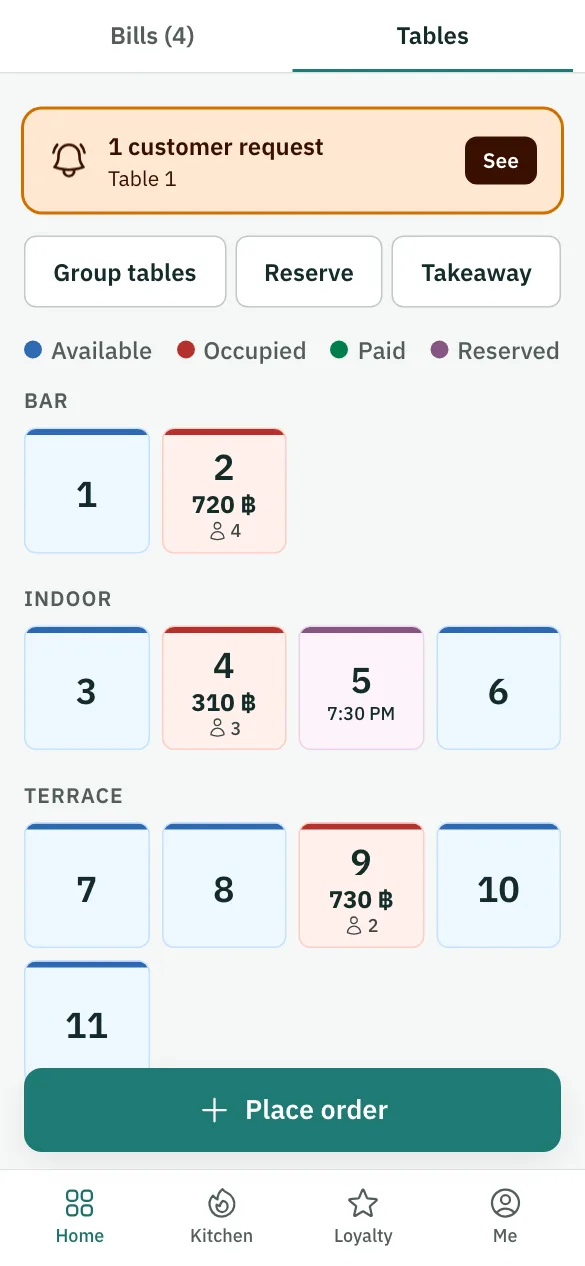
Waiter app: the waiter picks the table on the floor plan on their phone, adds the dishes with their options and extras, and sends them to the kitchen in one tap.
Table ordering: guests order themselves from their table QR code. Depending on your settings, the order goes straight to the kitchen, or first reaches the till with a sound so you can confirm, correct or decline it. From the menu, guests can also call a waiter or ask for the bill.
KITCHEN
Table 419:42
Order #128
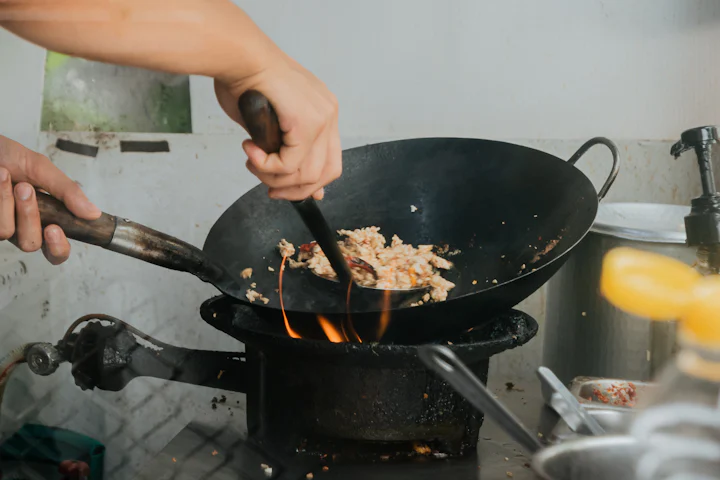
As soon as it is sent, the ticket prints in the kitchen and at the bar, with the table, every option and the guest’s note, on a network or USB printer, or the one inside a Sunmi terminal. Nothing to copy, nothing to shout.
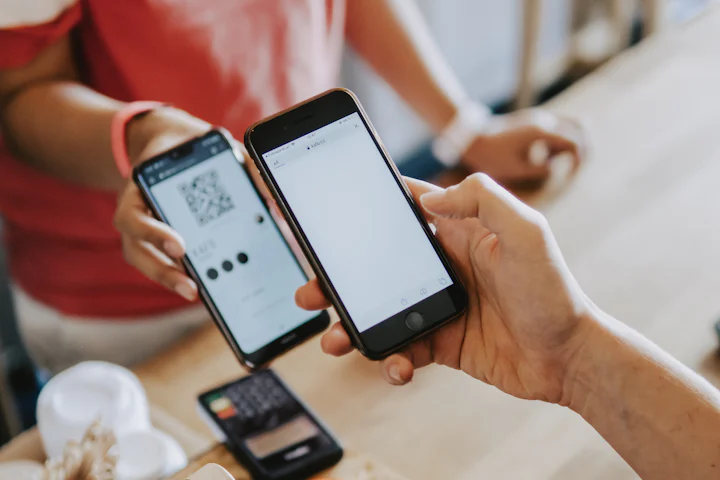
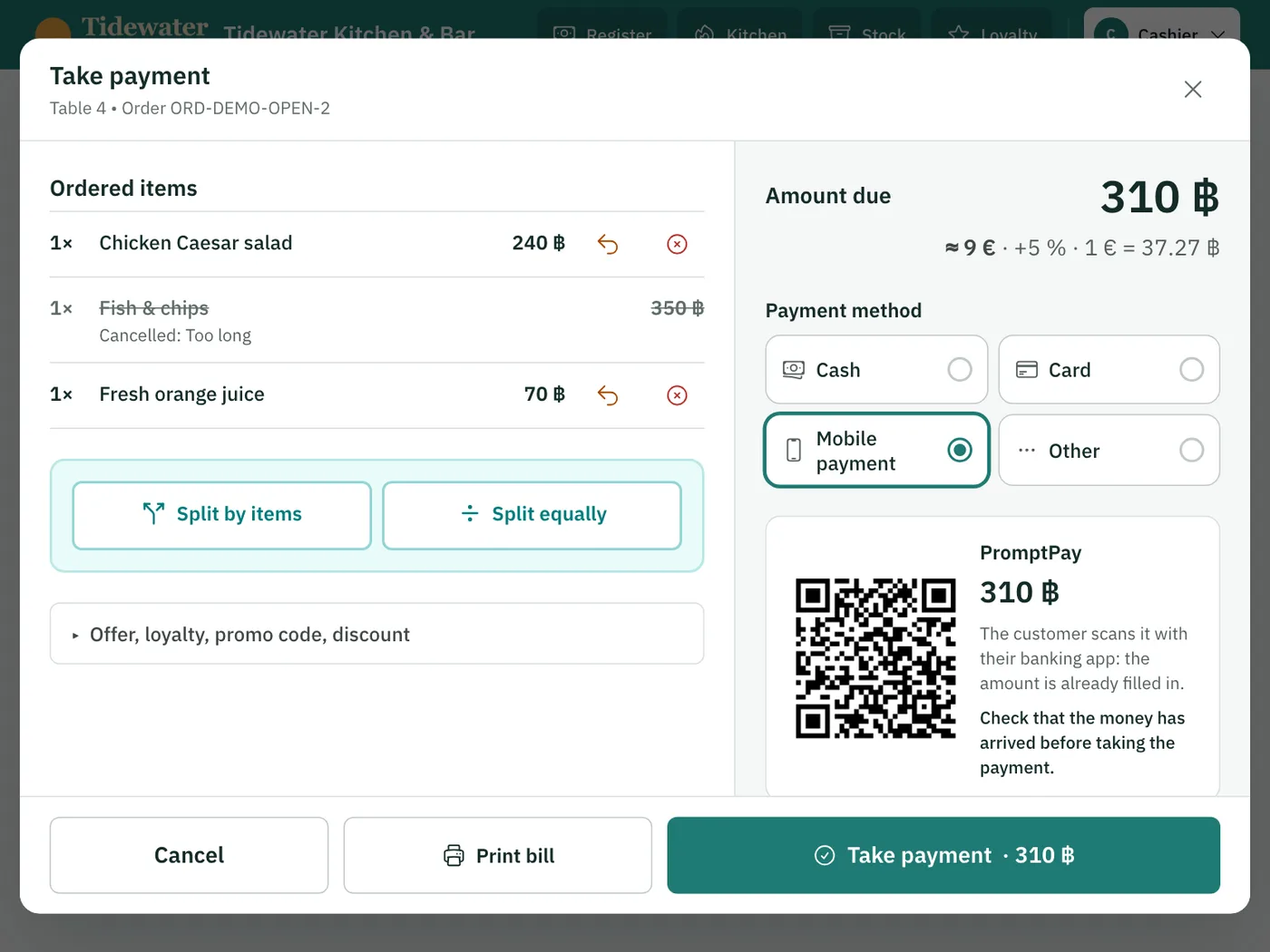
The table waits for its bill at the till. Cash, card or a PromptPay QR code with the exact amount; split bill, loyalty points and promo codes in the same place. The table is free again and the day’s figures are already up to date.
KITCHEN
Table 419:42
Order #128
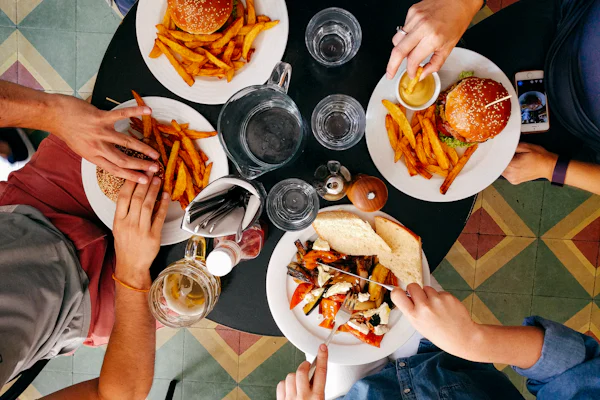
Restaurants
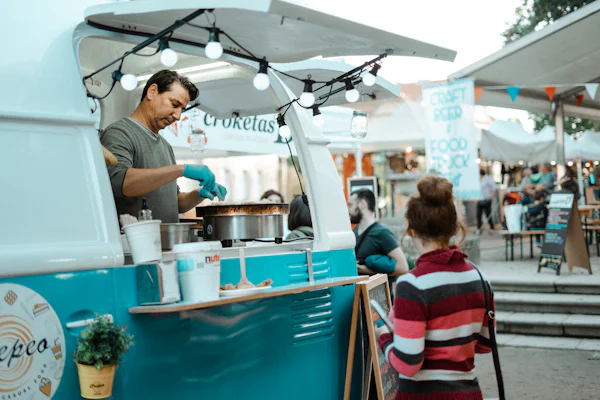
Street food and markets
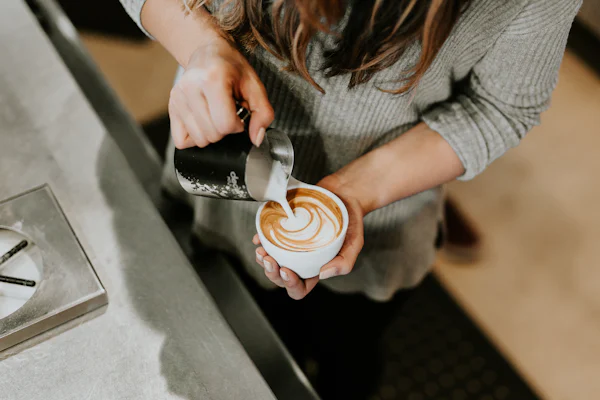
Cafés
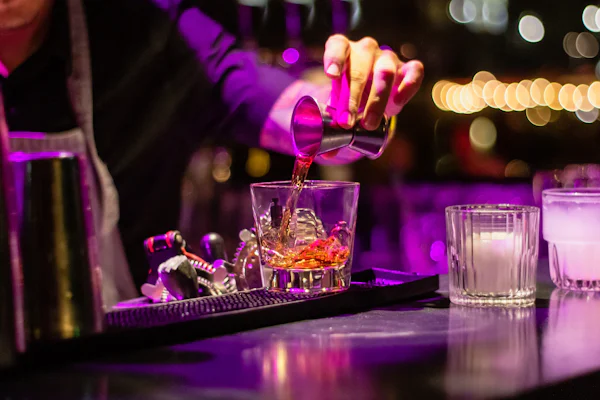
Bars
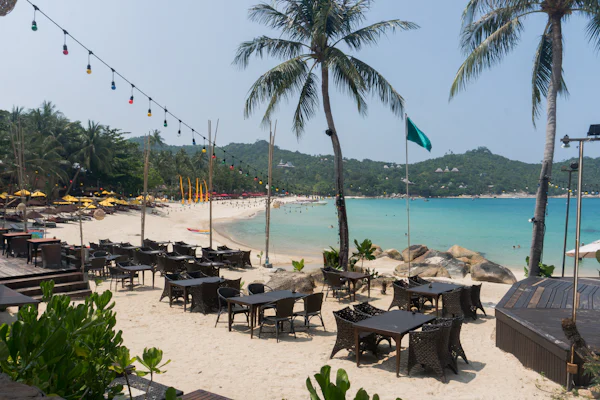
Beach clubs

Hotels
Start with the QR menu or the cash register. The waiter app, table ordering and the kitchen and dining room screens plug in when you are ready, with your menu and settings kept.
Base, your choice
Your menu, in every guest’s language.
Base, your choice
The heart of the restaurant, on a tablet.
Add-on
Your team orders at the table.
Add-on
Guests order by themselves.
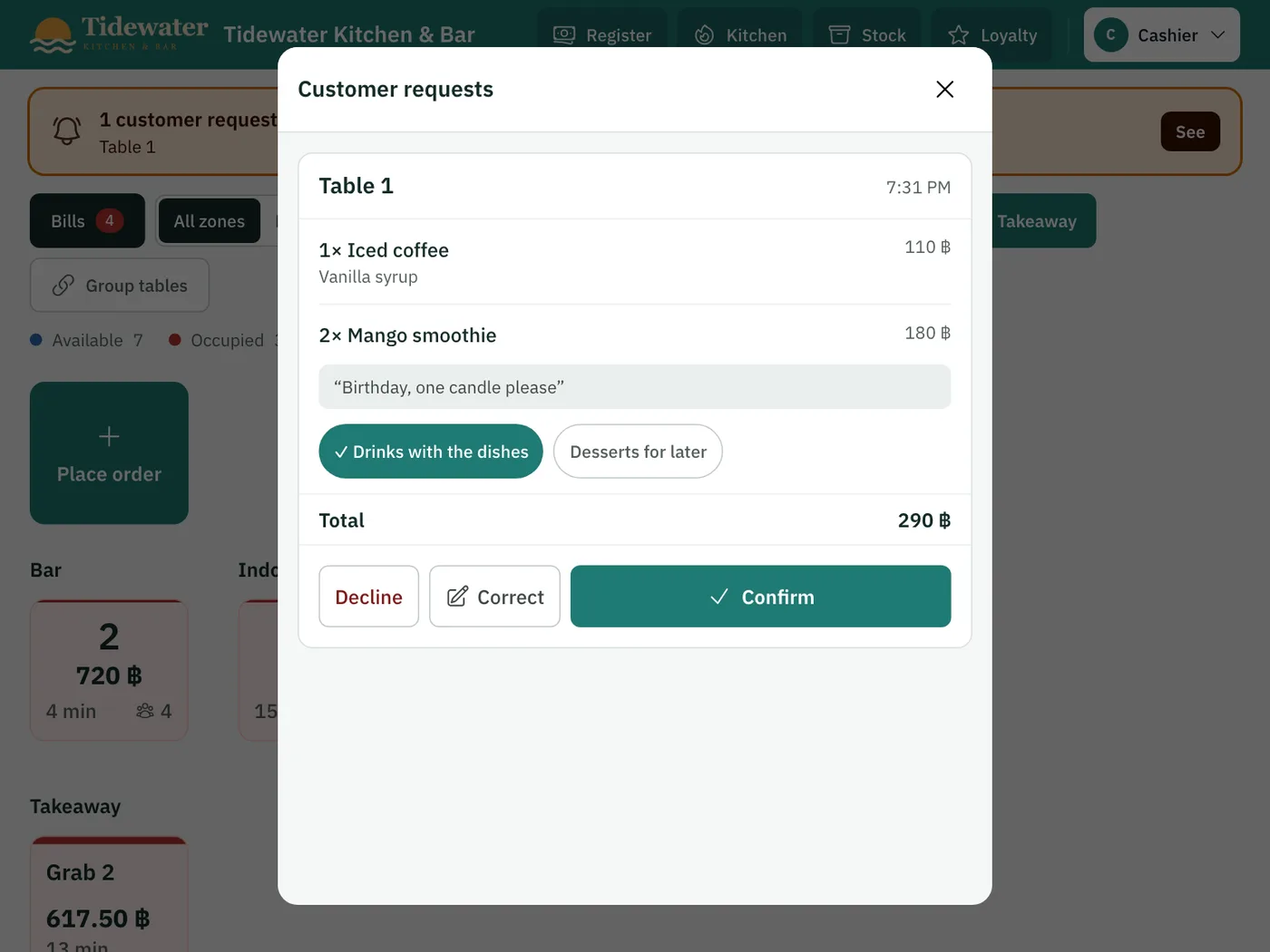
Add-on
Tickets on a tablet, in the right order.
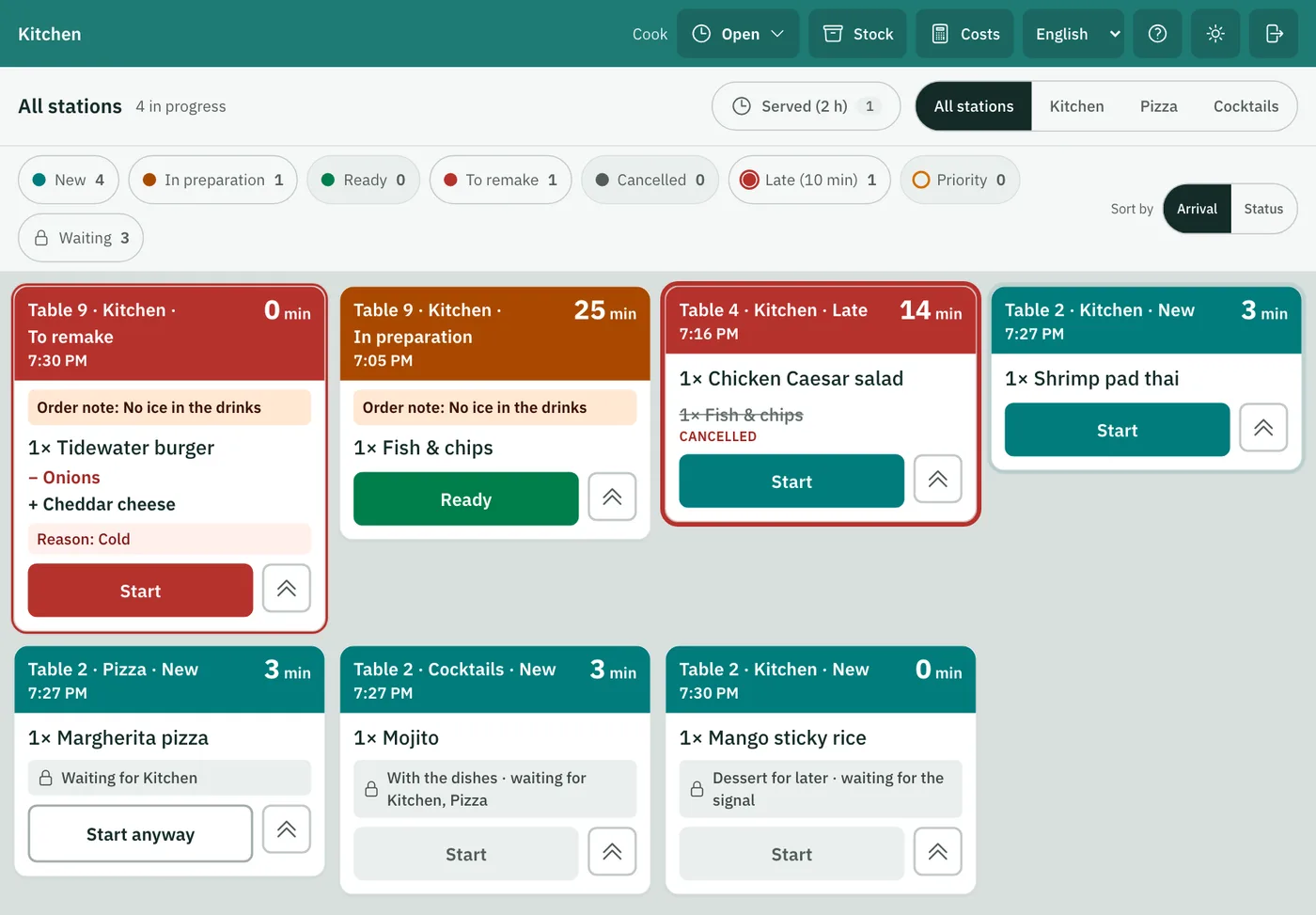
Add-on
Your TVs sell for you.
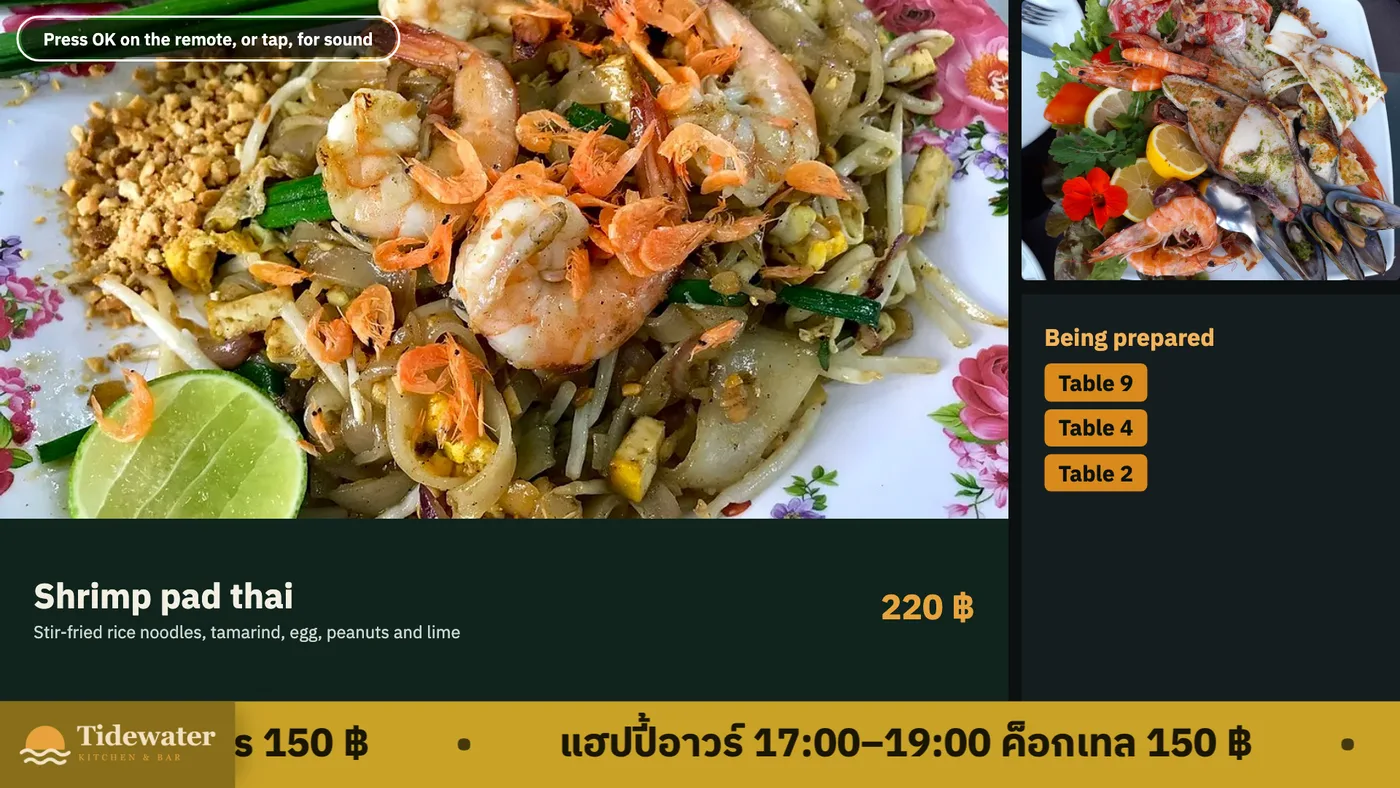
Add-on
Guests order and pay at the door.
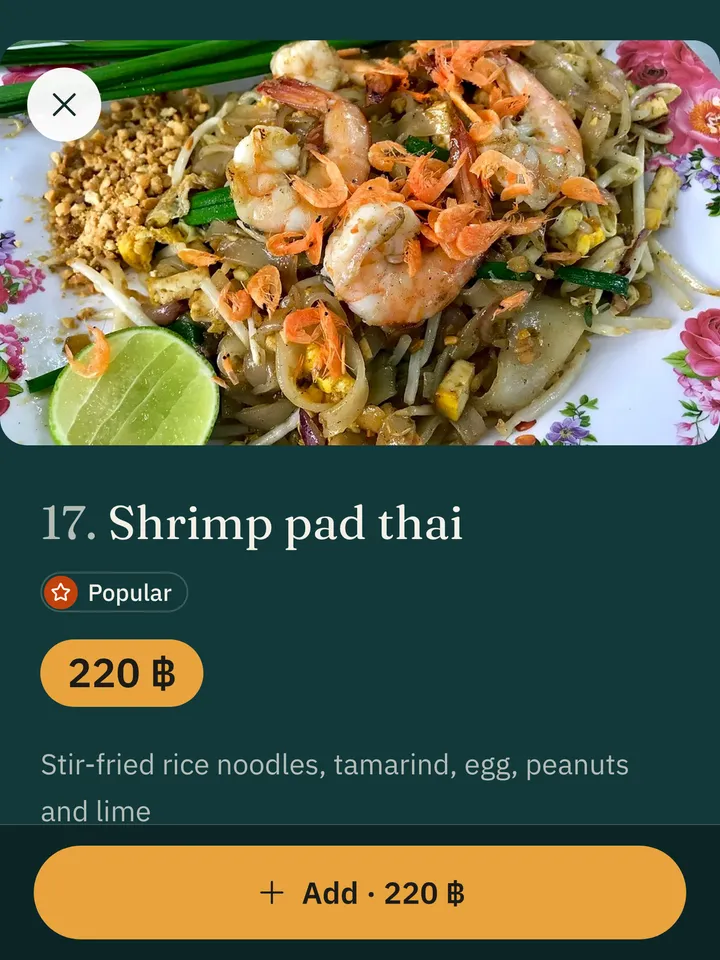
On a computer or a tablet, in the dining room or at home: your menu, your team, your figures and your settings in one place.
Today’s revenue, orders, guests and spend per guest, with the dining room live: free, occupied, reserved.
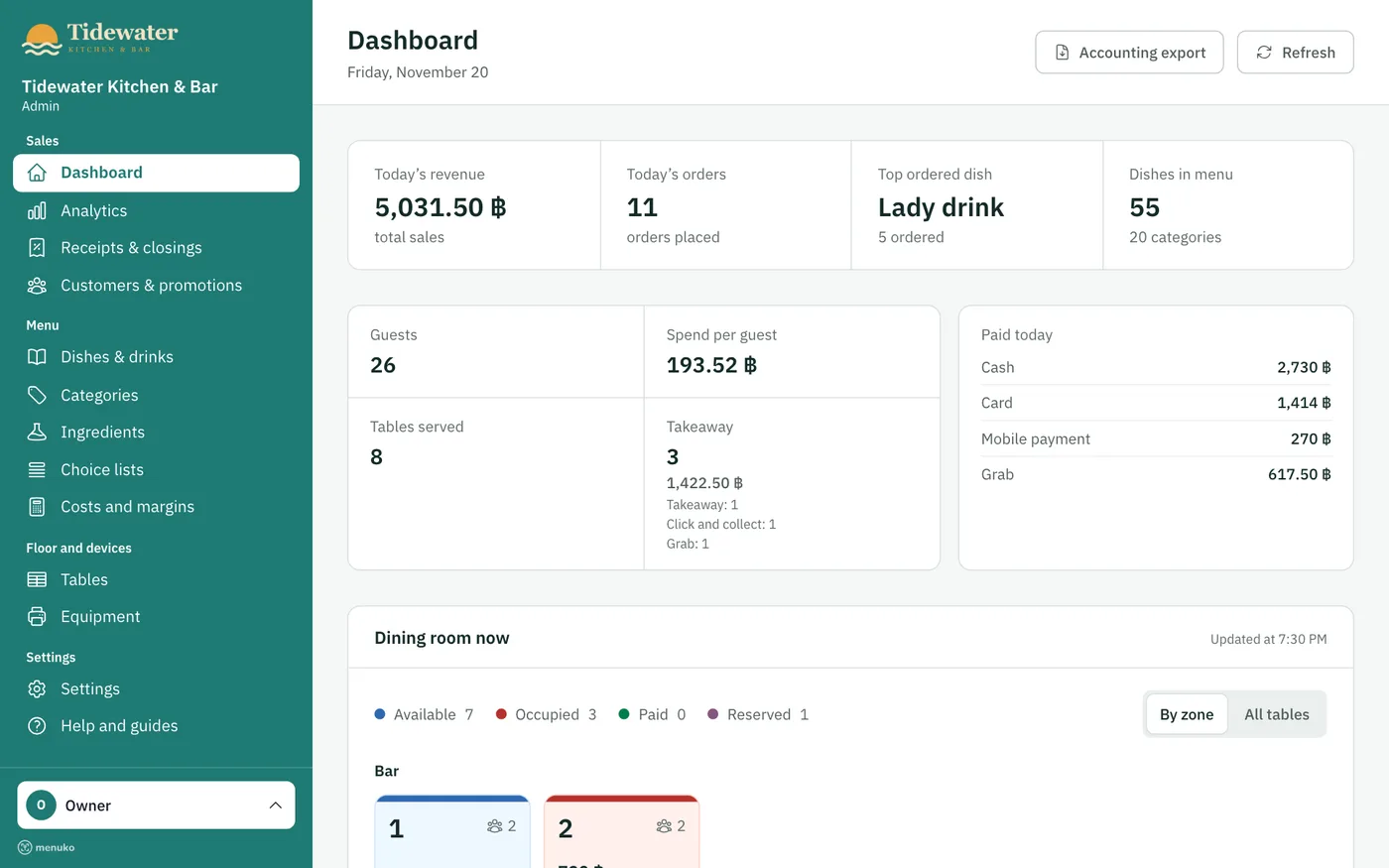
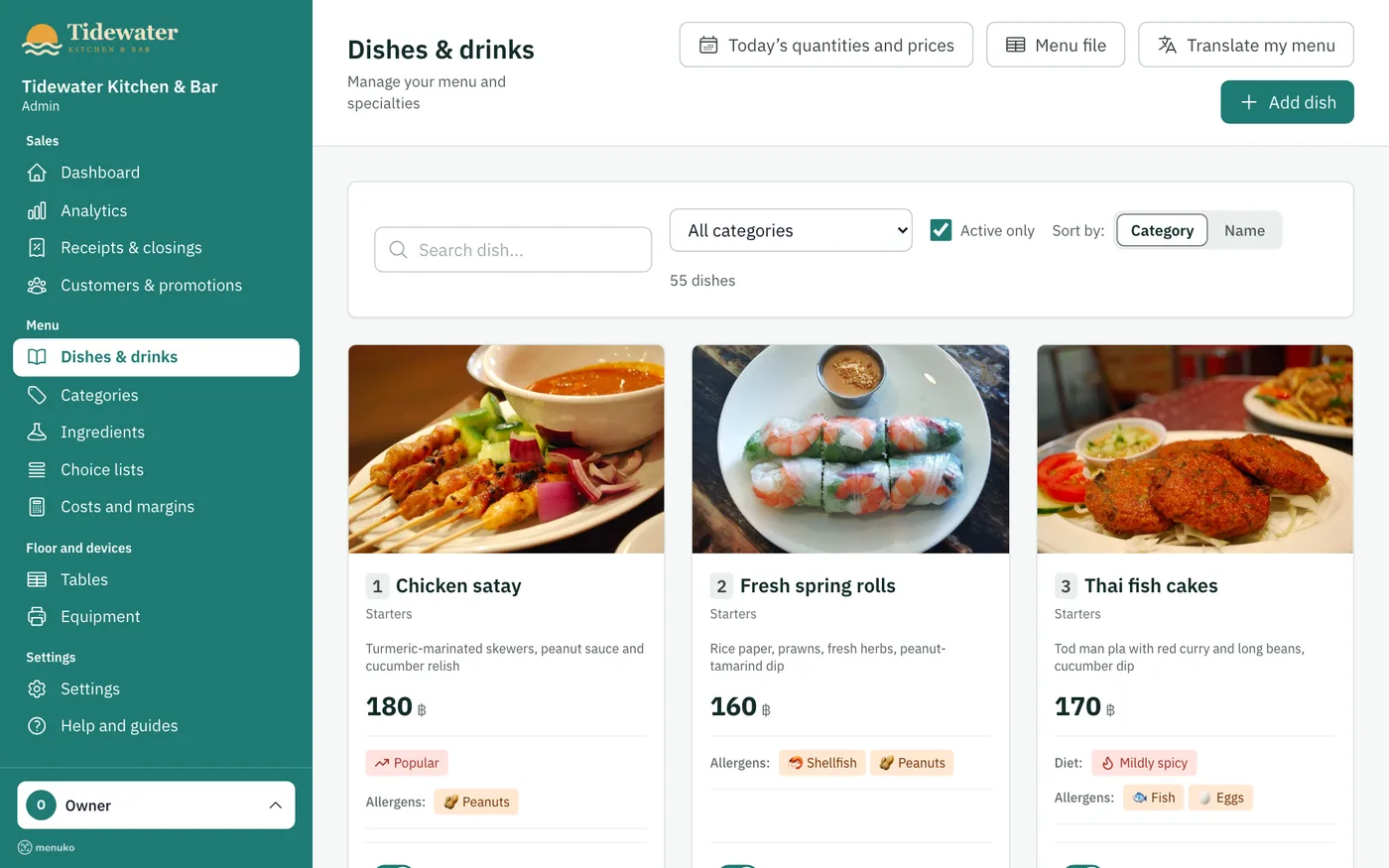
Photos, options, allergens and prices, changed at any time. Set today’s quantities, import the whole menu from one file, translated automatically.
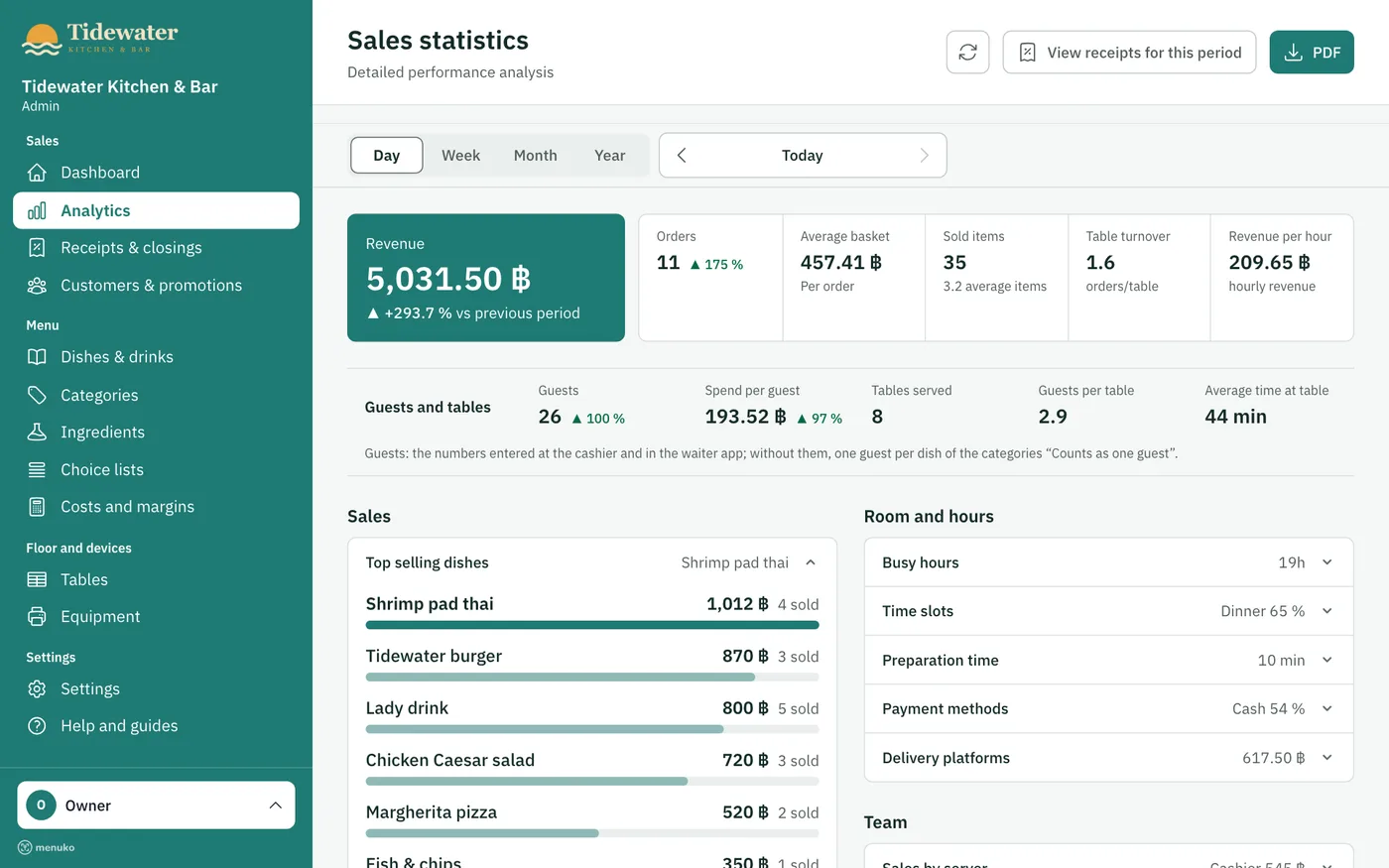
Day, week, month or year, compared with the previous period: revenue, average basket, best sellers, table turnover. PDF export.
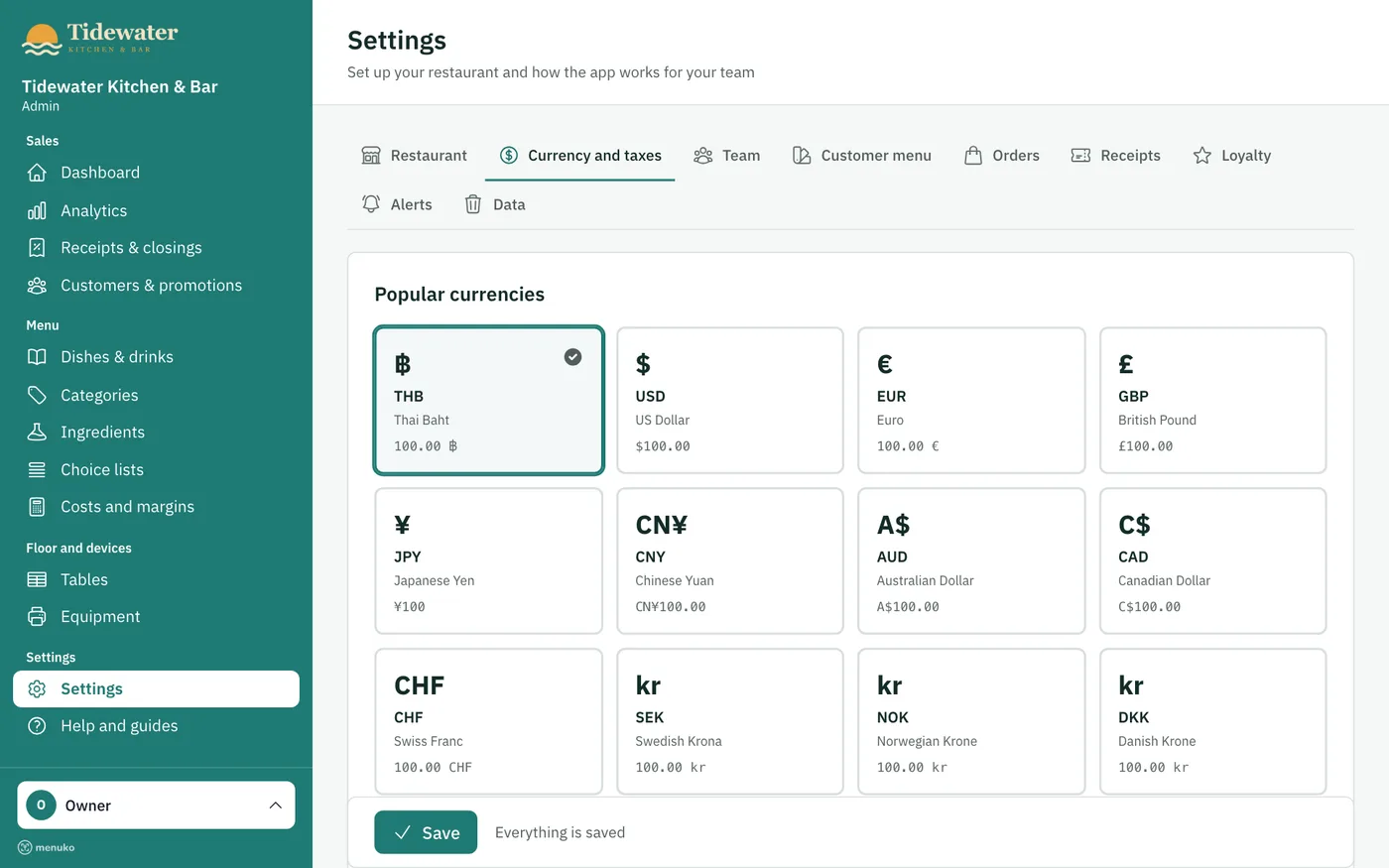
Your currency (18 built in, or your own), your VAT and service charge, your team and what each person can access, your receipts.
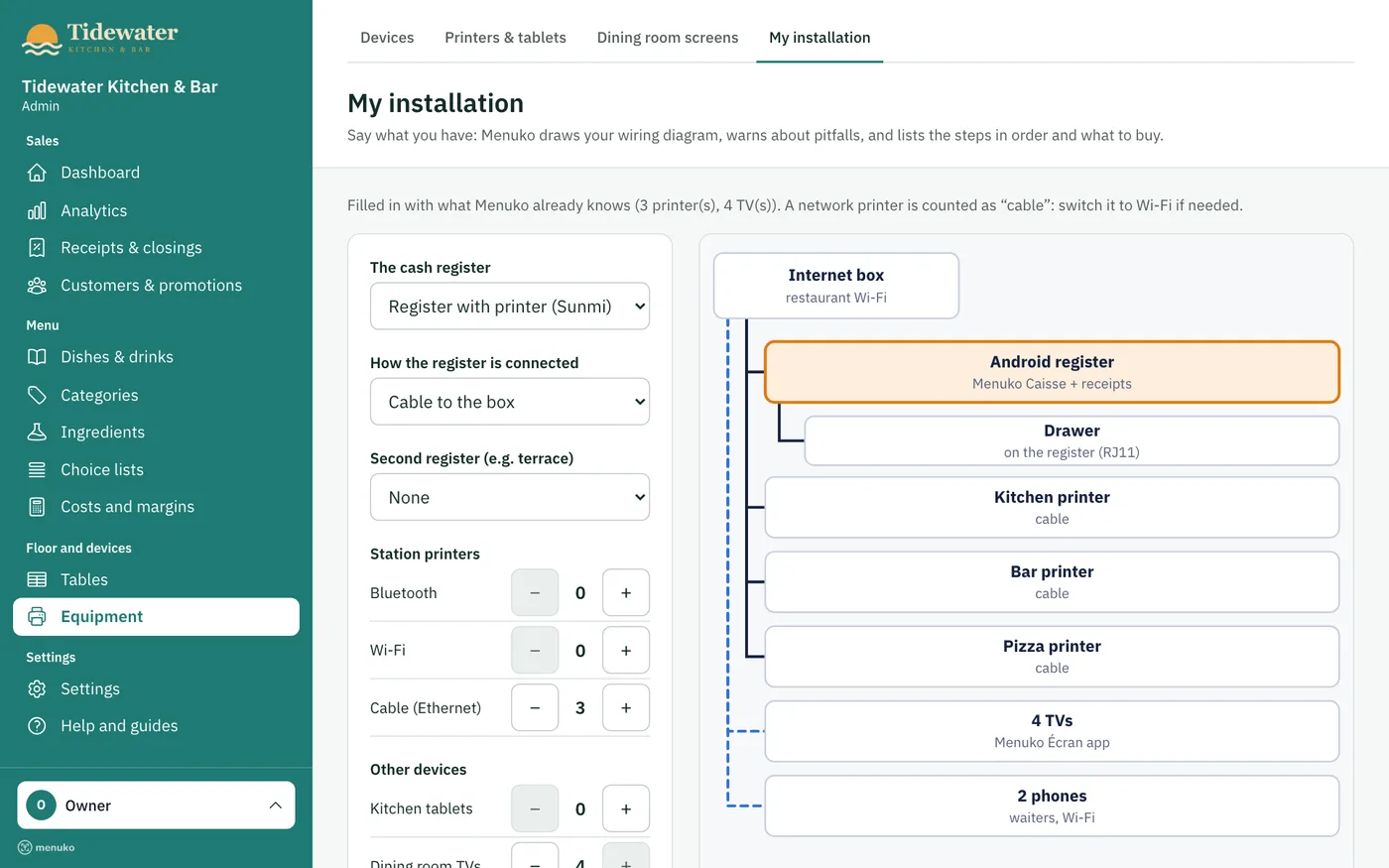
Say how many tills, printers and tablets you have: Menuko draws the wiring, lists the hardware to buy and creates your printers.
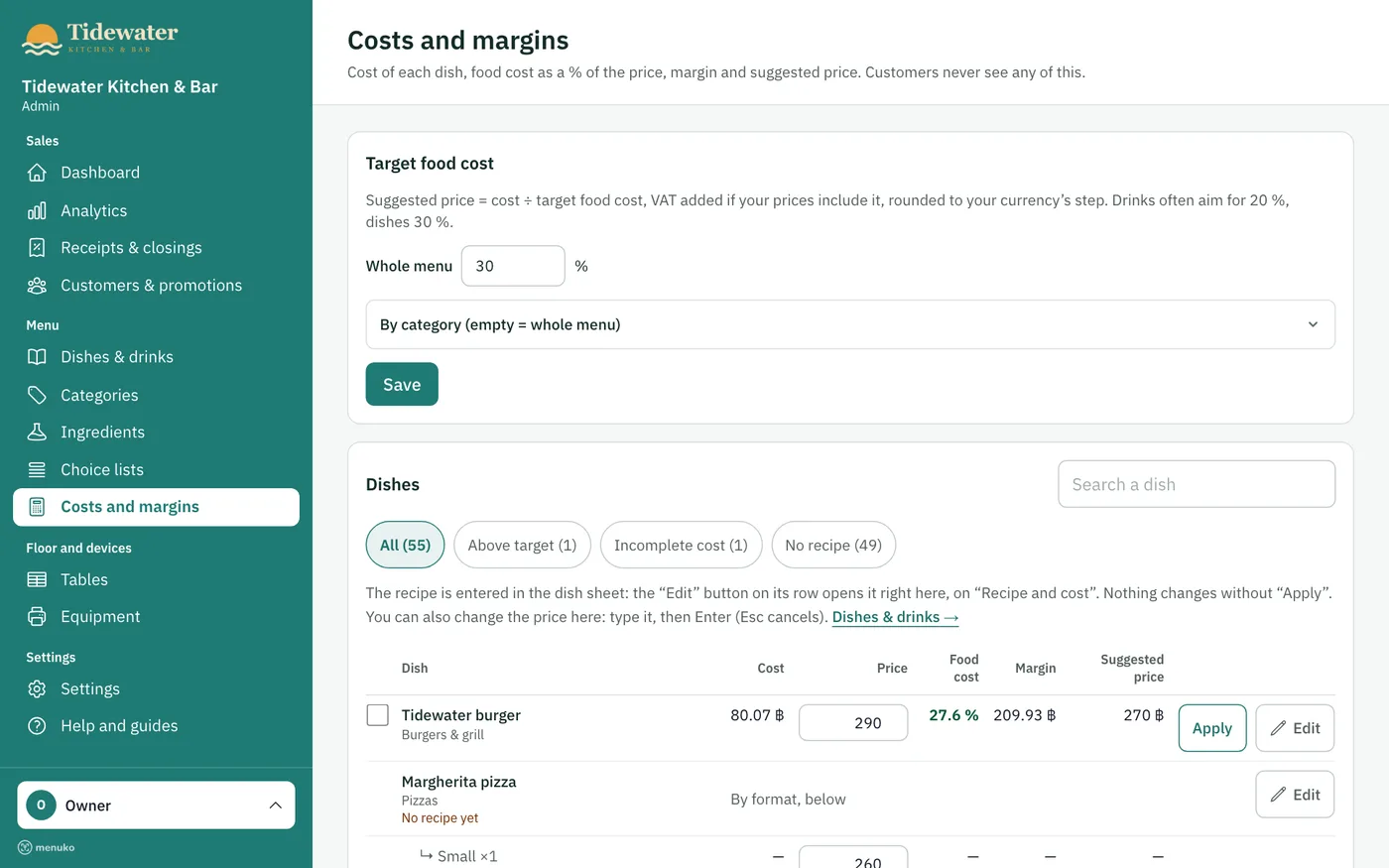
The cost of each dish from its recipe, its % of the price and its margin, with the suggested price to apply in one click.
The details that make a busy night easier.
Menuko fills the empty languages of your menu by itself, twice a month included. You check before it goes live.
Before sending, the customer confirms their table number. A QR scanned at the wrong table no longer sends the order elsewhere.
On the restaurant’s devices: tap your name, then your PIN, Face ID or fingerprint. No password for the team to remember.
Step-by-step guides, “If it doesn’t work” sheets, and a “What to do?” link under every error message.
Revenue, best sellers, average bill; and the month ready for your accountant in Excel, CSV or PDF.
Promo codes, and an automatic happy hour at set times without a code: struck-through price and banner on the menu.
Guests earn points with their phone number and spend them at the till. With “I am a member”, they also sign in from the table QR menu, in click and collect and at the kiosk.
Each guest pays for their own dishes, by cash, card or PromptPay.
On the whole bill or on certain dishes (20% off pizzas), with the reason and who allowed it, on the receipt and in the statistics.
Order taking with photo tiles at the counter; takeaway orders wait at the till until they are paid.
Limited dishes count down and leave the menu once sold out.
Opening float, cash in and out under the name of who did it, drawer opened after the PIN, history of closings.
A dining room and a terrace share the tables live. Each register prints on the printer next to it, opens its own drawer and has its own float and closing; the accounting export shows which one.
Guests move from inside to the terrace: dishes, waiting tickets and partial payments follow. From the till or the waiter app; the old table is freed on every device.
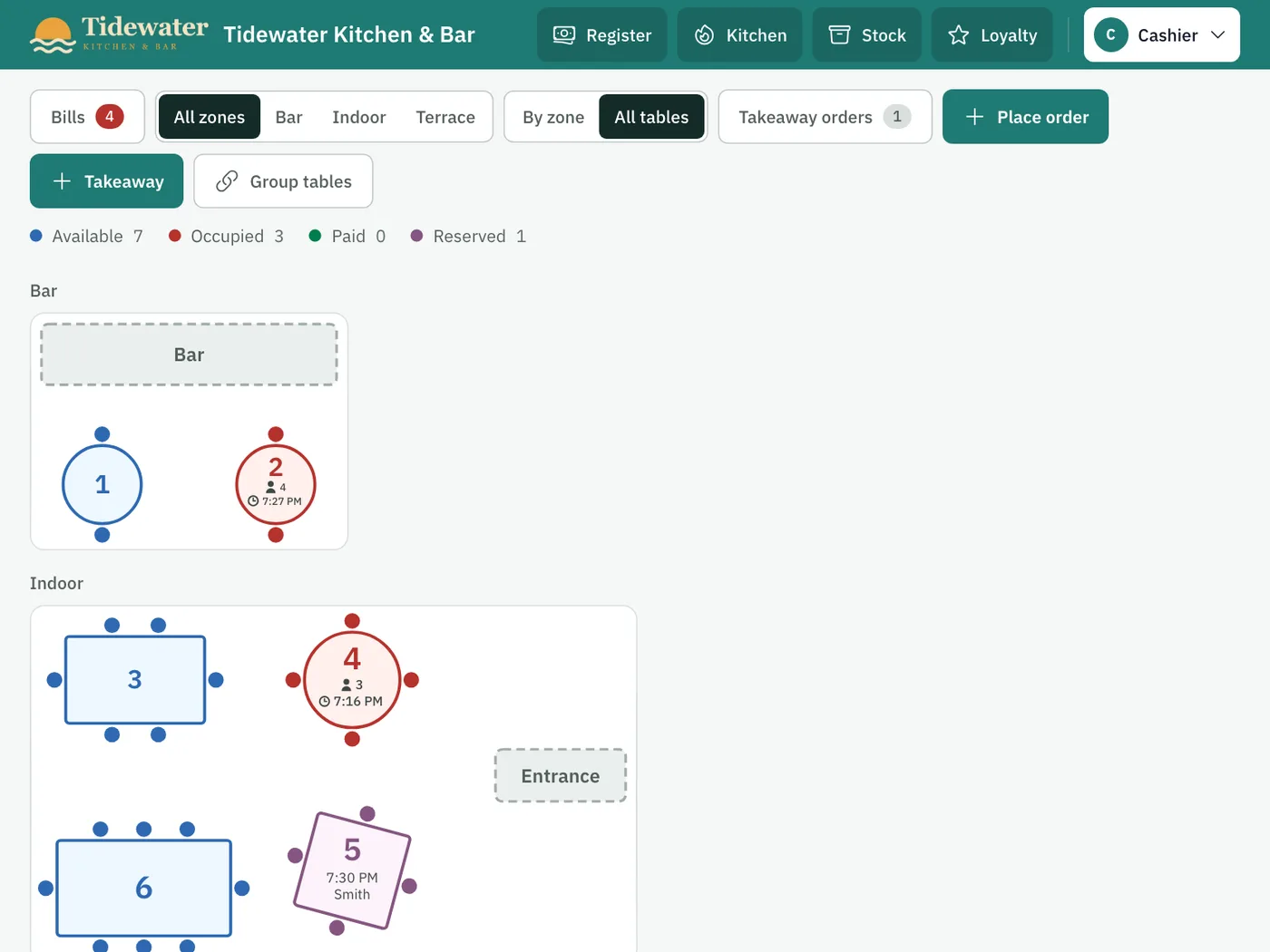
Round or square tables, angled, in their real place, with landmarks like the bar or the oven. You draw it in the admin by dragging the tables. On the till and, if you choose, in the waiter app; each table shows its number of guests and the time it opened.
Two groups at the same table each pay their own. Each bill is sent to the kitchen and paid separately.
Book a table from the plan: the time and name show on it. Grouped tables stay in their place.
On a two-screen Sunmi register or a second monitor: promotions while the till waits, then the order filling up, the total, the PromptPay QR code with the exact amount, the change, and “Thank you”.
Owner, managers, cashiers, waiters and cooks each see what they need.
Your message at the bottom and a QR code to your Google or TripAdvisor reviews.
Fill in one Excel file, or let an AI assistant fill it from photos of your menu.
Open a new one from an existing one: menu, photos, floor plan and printers copied.
Can or bottle, small or large pizza: each format has its own price, chosen by the guest.
Side, sauce, topping or drink of their choice, paid extras, build-your-own dishes; the first ones free.
Your colours, font, logo and photos, with banners for your promotions.
A step-by-step assistant sets up your restaurant the first time you log in.
Purchase prices as on the invoice, yield and house sauces: every recipe gives its cost, its % of the price and its margin. Apply the suggested price in one click; cooks enter recipes without seeing prices or margins, and the cost of sales shows up in your statistics.
Menuko grew up with Thai restaurants: PromptPay, Grab and LINE MAN are there from day one. And it works anywhere: currencies, taxes, languages and phone numbers from every country.
A QR code on the bill and at the till, already filled in. The guest scans, the money arrives.
Guests read the menu in their language. You write it once, in any language.
The month ready for your accountant in one click: Excel, CSV or PDF, with VAT and the cash register.
Thermal printers, network or USB, connected through an Android register or tablet with the Menuko Caisse app (Sunmi included), or through a small printing box.
With Backup mode, a computer in the restaurant takes over on its own and sends everything back when the internet returns. Without it, a paper kit prints from the admin and orders are entered afterwards, at the right time.
Delivery orders are entered at the till at the platform’s price, and counted apart in your statistics.
18 currencies built in, or your own; VAT or sales tax and service charge at your rate, under your own name; your restaurant’s time zone.
Phone numbers from any country for loyalty and takeaway orders, and the menu in the guest’s own language.
Start with the QR menu or the cash register, add a module whenever you need it. Your menu and settings stay as they are.
Base, your choice · the Cash register can be added
Base, your choice · the QR menu can be added
Add-on, with the Cash register
Add-on, with the QR menu and the Cash register
Add-on, with the Cash register
Add-on, with either base (QR menu or Cash register)
Add-on, with the Cash register, on top of the Complete plan
Add-on, with the Cash register · included in the Complete plan
We read the websites of the main POS systems sold in Thailand in November 2026. None of them mentions these.
Menu, promotions, happy hour and your videos on the dining room screens, managed from the admin.
Drinks go out with the dishes, desserts when the table is ready.
If you switch it on in the admin, the month’s export with VAT, sales and the cash register is e-mailed to your accountant automatically.
Cash closing, cancellations, discounts, a stuck printer: you know at once, wherever you are.
Guests order takeaway online, with no commission on their orders.
Till, waiter app and kitchen in Thai, Burmese, English and more. Elsewhere, it is rarely more than the till.
Opening hours for the restaurant, the kitchen and the bar in each season, the annual closure, and the switch to the next season scheduled for a date.
Each waiter picks their section on their phone. When a table in it calls or asks for the bill, only they are alerted; if nobody answers, the request goes to everyone.
Everything included, or just what you need. Change your mind any time.
Your menu, in every guest’s language.
—per month
Discounted prices are rounded down, in your favour.
Cash register add-on Price on request
Start your free trialThe heart of the restaurant, on a tablet.
—per month
Discounted prices are rounded down, in your favour.
Add the QR menu later, whenever you like.
Start your free trialQR menu, cash register, waiter app, table ordering, kitchen screen, dining room screen and ordering kiosk.
—per month
Discounted prices are rounded down, in your favour.
Prices on request: tell us about your restaurant.
Backup mode, for internet outages, is extra.
Start your free trialBoth together, for less than separately.
—per monthDiscounted prices are rounded down, in your favour.
Prices for your country, taxes included.
Set-up packs, paid once: we prepare your restaurant for you.
฿2,900paid once
฿5,900paid once
฿9,900paid once
Ready within 48 hours once we have your material, depending on your availability. The discount comes back as a credit on your first payment for the complete plan.
€14per month
Answer within 12 hours, except Sundays and public holidays, on LINE and WhatsApp, and 2 hours of menu changes done for you every month.
Basic support stays free for everyone: answer within 48 hours.
Almost nothing. Menuko runs on the phones and tablets you already have. To print: a thermal printer, plus an Android register or tablet with the Menuko Caisse app (or a small printing box); an iPad cannot print on its own. For the TVs: a Google TV or an Android box.
Two ways. Backup mode (optional): a computer in the restaurant takes over within about thirty seconds, then sends everything back when the internet returns. Otherwise, the paper kit printed in advance from the admin: carry on with paper and enter the orders at their real time.
Yes. In the admin, Receipts › Accounting export: choose the month, then Excel (tickets, totals by day, cash register, VAT summary), CSV for accounting software, or a one-page PDF. The amounts are those of the cash register, frozen at each closing.
Thai, English, Chinese, Arabic, Russian, French, German, Italian, Spanish and Portuguese. You write your menu once, in any language, and Menuko translates the rest, or you write it yourself.
Yes. The bill and the cash register show a PromptPay QR code with the exact amount. Cash and card are recorded too, and you can split a bill.
Most Android tablets and terminals with an up-to-date browser work. Some terminals sold locked by another brand cannot install a browser: try the live demo on yours first, we will tell you honestly.
You choose what you keep: the complete plan, or the QR menu or the cash register with the modules you need. No card is asked for the trial, and nothing you entered is lost.
Yes, from your admin, in a few taps. You only pay for the days left until your next due date, and your menu and settings stay as they are.
You can type it in the admin or import a file. Or send us your menu and we enter it for you within 24 hours.
During the launch offer, new restaurants pay less for their first months. From your second restaurant, each extra restaurant gets a discount, reviewed at each due date: it applies as long as your first restaurant is subscribed. The two are not combined: the bigger one applies. Refer another restaurant: you get free months (and so do they, depending on the current offer) with their first payment; their free trial stays the same. Discounted prices are rounded down, in your favour, so you always get at least the discount shown.
Your restaurant is ready in a few minutes: confirm your e-mail, choose your password and start entering your menu. Free trial, no card needed.
Prefer to look around first?
Open the live demo